
The Image Problem That’s Costing You Sales
You might have the perfect product, a competitive price, and optimized keywords… but if your images aren’t up to Amazon’s standards, your listing could get suppressed or ignored.
In the crowded Amazon marketplace, your product images are your silent sales team. They’re the first thing shoppers notice and often the deciding factor in whether they click “Add to Cart” or keep scrolling. The problem? Amazon’s image rules are strict, and failing to meet them can mean your listing never reaches its full potential.
Want to find your lowest-converting listings? Use Amazon MCP to ask Claude “Which of my products have the lowest conversion rates?” and target those for image improvements first.
Key Takeaways
- Amazon has strict product image requirements to maintain listing quality and buyer trust.
- Main images must have a pure white background, show the product fully, and be at least 1,000 pixels on the longest side.
- Additional images can boost conversions by showing scale, lifestyle use, and close-up details.
- Non-compliance can lead to suppressed listings, costing you visibility and sales.
- Investing in high-quality, compliant images is one of the most cost-effective ways to improve Amazon sales.
Quick Guide to This Blog
Amazon’s Official Product Image Requirements
Before you upload a single image, you need to know the rules. Amazon enforces these standards to ensure consistent, trustworthy shopping experiences.
Main Image Requirements
- Must be the actual product (no illustrations, placeholders, or mockups).
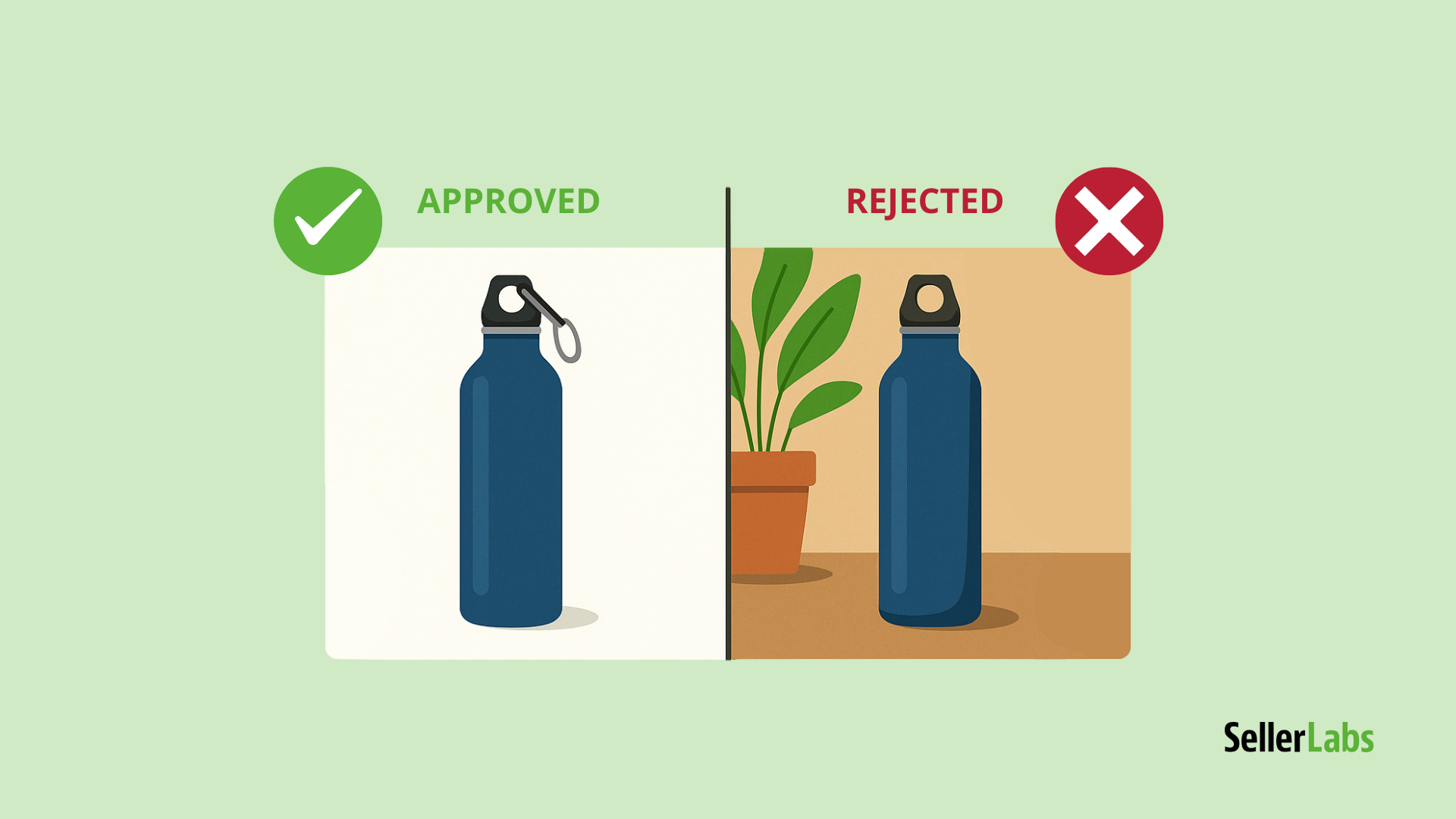
- Pure white background (RGB 255,255,255).
- Product should fill 85% or more of the frame.
- No text, logos, watermarks, or inset images.
- Minimum image size: 1,000 pixels on the longest side for zoom function (recommended: 2,000+ pixels).
- File formats: JPEG (.jpg), PNG, TIFF, or GIF (no animated GIFs).
Additional Image Guidelines
- Can include lifestyle images, infographics, or close-ups.
- Show multiple angles and features.
- Use to answer buyer objections visually.
Best Practices for Optimizing Amazon Product Images
Meeting Amazon’s rules is just the start—optimizing your images is where you win the sale.
1. Use High-Resolution Photography
Crisp, high-res images allow shoppers to zoom in and inspect details, boosting trust.
2. Show the Product in Context
Lifestyle images help buyers imagine themselves using the product. For example, a camping chair looks far more appealing in a campsite photo than in isolation.
Track how your image optimizations impact conversion rates with Profit Genius. Compare daily sales velocity before and after listing updates to measure real ROI on photography investments.
3. Include Infographics
Highlight features, dimensions, and benefits in simple, easy-to-read overlay graphics (only in additional images, not the main image).
4. Maintain Consistent Branding
If you sell multiple products, keep a uniform style so your brand is instantly recognizable.
Pros & Cons of Enhanced Product Photography
| Pros | Cons |
|---|---|
| Higher conversion rates | Higher upfront cost for professional photography |
| Reduced return rates | Longer turnaround time for image production |
| Stronger brand perception | |
| Better search performance via improved CTR |
Investing in professional product images has clear benefits, but be aware of the upfront cost and production time.
Not sure which products to invest in first? Profit Genius shows you which SKUs have the highest margin potential, so you prioritize photography where it matters most.
Common Mistakes That Get Images Rejected
- Including promotional text like “Best Seller” or “50% Off.”
- Using colored or textured backgrounds for the main image.
- Uploading images with poor lighting or heavy shadows.
- Showing multiple products in the main image when only one is for sale.
FAQ: Amazon Product Image Rules
Amazon requires actual product photography for the main image, but some categories allow 3D renders for secondary images.
Most listings allow up to 9 images, but only 7 display by default on desktop.
Amazon may suppress your listing until compliant images are uploaded.
Don’t Let Bad Images Cost You Sales
Your product images are one of the few elements you fully control on Amazon. They influence click-through rates, conversion rates, and customer trust.
If you want to ensure your listings stand out and comply with all Amazon standards, invest in professional photography and strategic image planning.
See your full product performance picture with Profit Genius, optimize your ads with Ad Genius, and query everything with Amazon MCP. The Seller Labs Genius Bundle can help you identify underperforming listings—so you know exactly where better images could mean more sales. Try it today.
Now’s the perfect time to level up your Amazon business — and we’re making it even easier.
👉 Get 30% off your first month of the Seller Labs Genius Bundle — after your 30-day free trial.
This limited-time offer is only available through the end of the month, so don’t wait.
🚀 Start tracking your performance, uncovering opportunities, and making data-driven decisions to improve your sales today:
Related Blogs
- Amazon SEO: How to Optimize Your Product Listings for Higher Rankings & Sales
Master the foundational SEO principles that amplify the impact of strong keywords, content, and images. - Amazon Buy Box 2025: Strategies to Win
Learn how seller performance metrics—including listing quality—impact Buy Box eligibility. - Amazon A10 Algorithm in 2025: What Sellers Need to Know
Explore how Amazon’s evolving algorithm weighs product images, reviews, and other trust signals. - Fix Your Amazon Product Titles in 2025 to Avoid Listing Suppression and Lost Sales
Prevent common compliance mistakes that can lead to lost visibility and reduced sales. - Reduce Amazon Returns in 2025
Lower return rates by aligning customer expectations with accurate listings and strong product visuals.